> For the complete documentation index, see [llms.txt](https://docs.squads.so/squads-v3-docs/llms.txt). Markdown versions of documentation pages are available by appending `.md` to page URLs; this page is available as [Markdown](https://docs.squads.so/squads-v3-docs/navigating-your-squad/owners-and-settings.md).
# Owners and Settings
How to adjust the settings of your Squad.
### Add/remove owners
{% hint style="info" %}
Owners are added to a Squad via their public key.
{% endhint %}
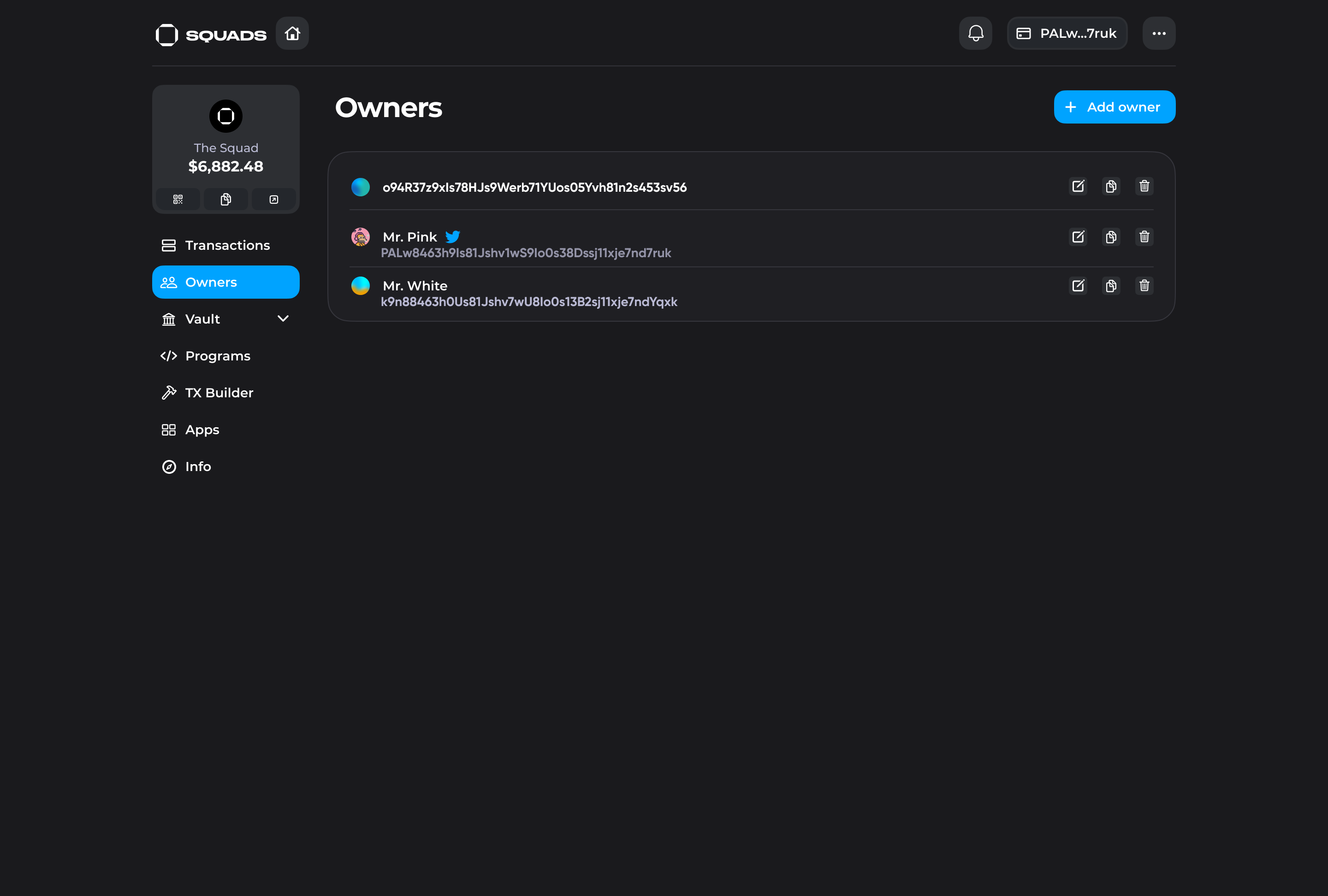
The "Owners" tab **allows Squad owners to:**
* view owners of the Squad
* initiate a transaction to add/remove an owner (by clicking on "Add owner" button or "Bin" icon)
* Add nicknames to the wallet addresses ( saved on local storage, therefore, only visible to the person who adds a nickname)
* navigate to owners' Twitter profiles (if they linked their Twitter identity via [Cardinal)](/squads-v3-docs/integrations/cardinal.md)
* copy the address of the owner
Owners tab
### Info
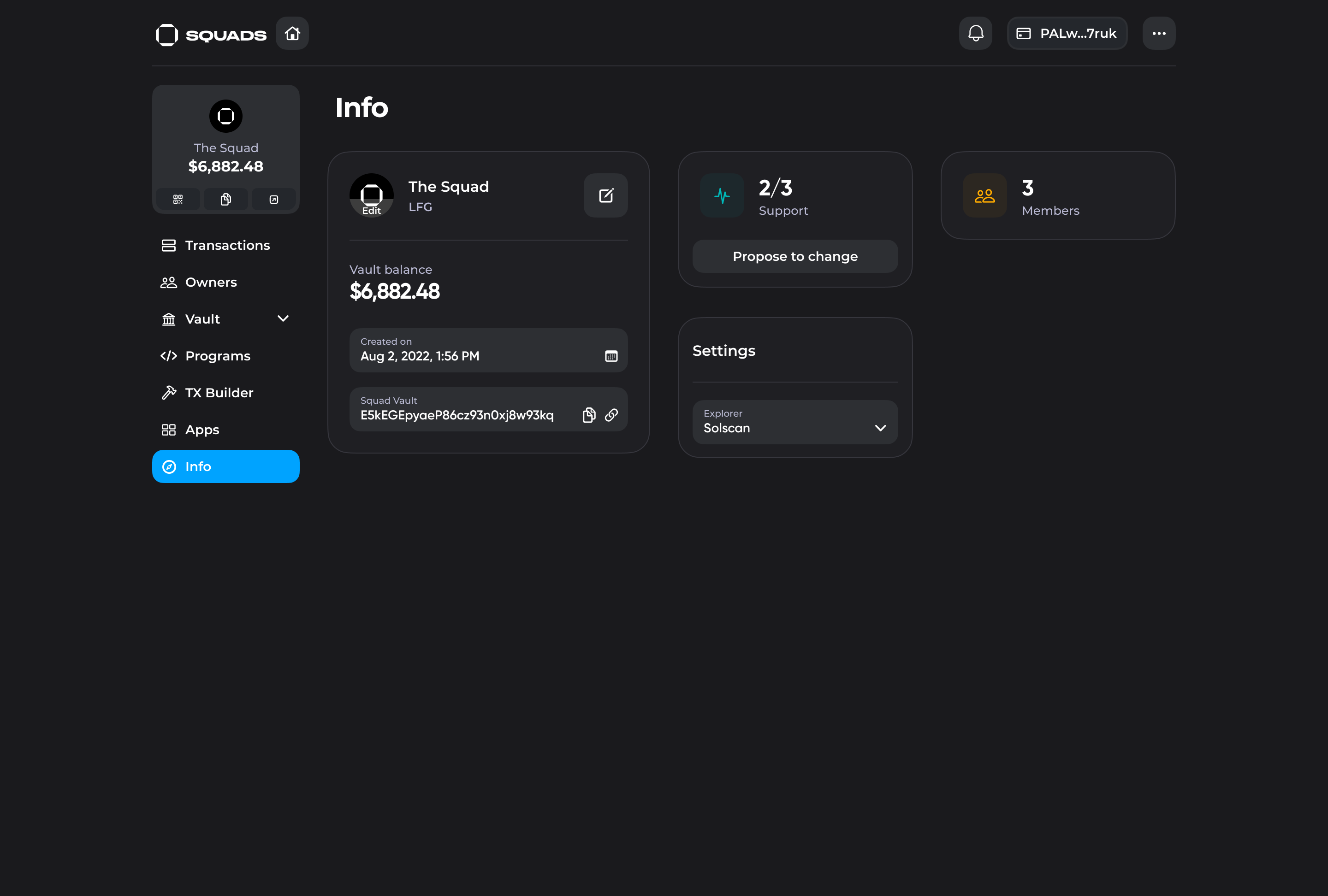
The "Info" tab displays the basic information about the Squad and **allows to:**
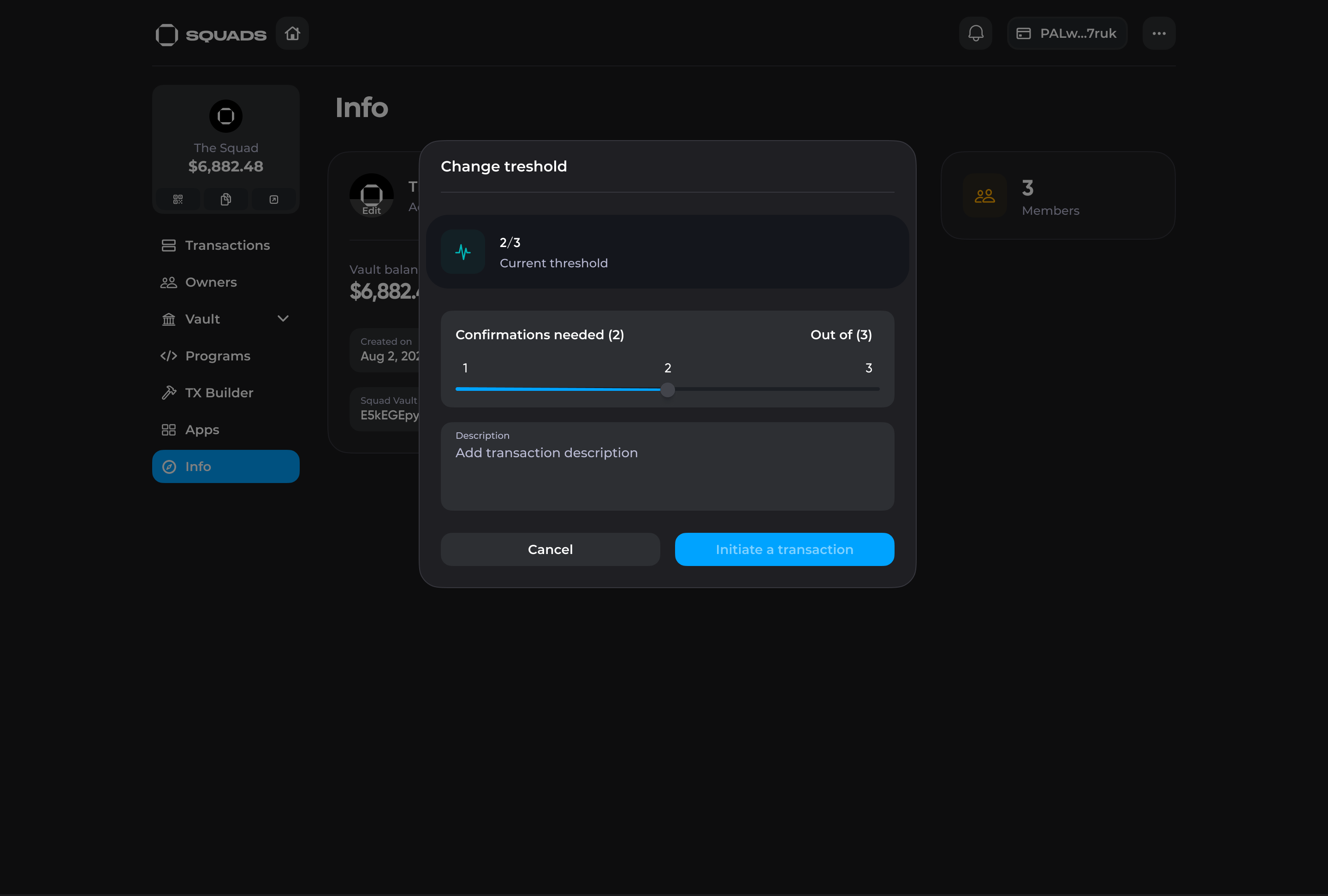
* check the confirmation threshold and initiate a transaction to change it
* copy the addresses of the Squad's vault and account
* check the number of owners inside the Squad
* change the Squad profile picture, name, or description
* change the explorer used for the transactions inspection
Info tab
### Threshold Parameter
{% hint style="info" %}
The confirmation threshold is every Squad's essential parameter, which helps ensure that funds management is secured by multiple signatures required for every transaction.
{% endhint %}
The confirmation threshold represents how many multisig owners' confirmations will be required for a transaction to become executable. It can be adjusted at any point in time by initiating a transaction from the "Info" tab.